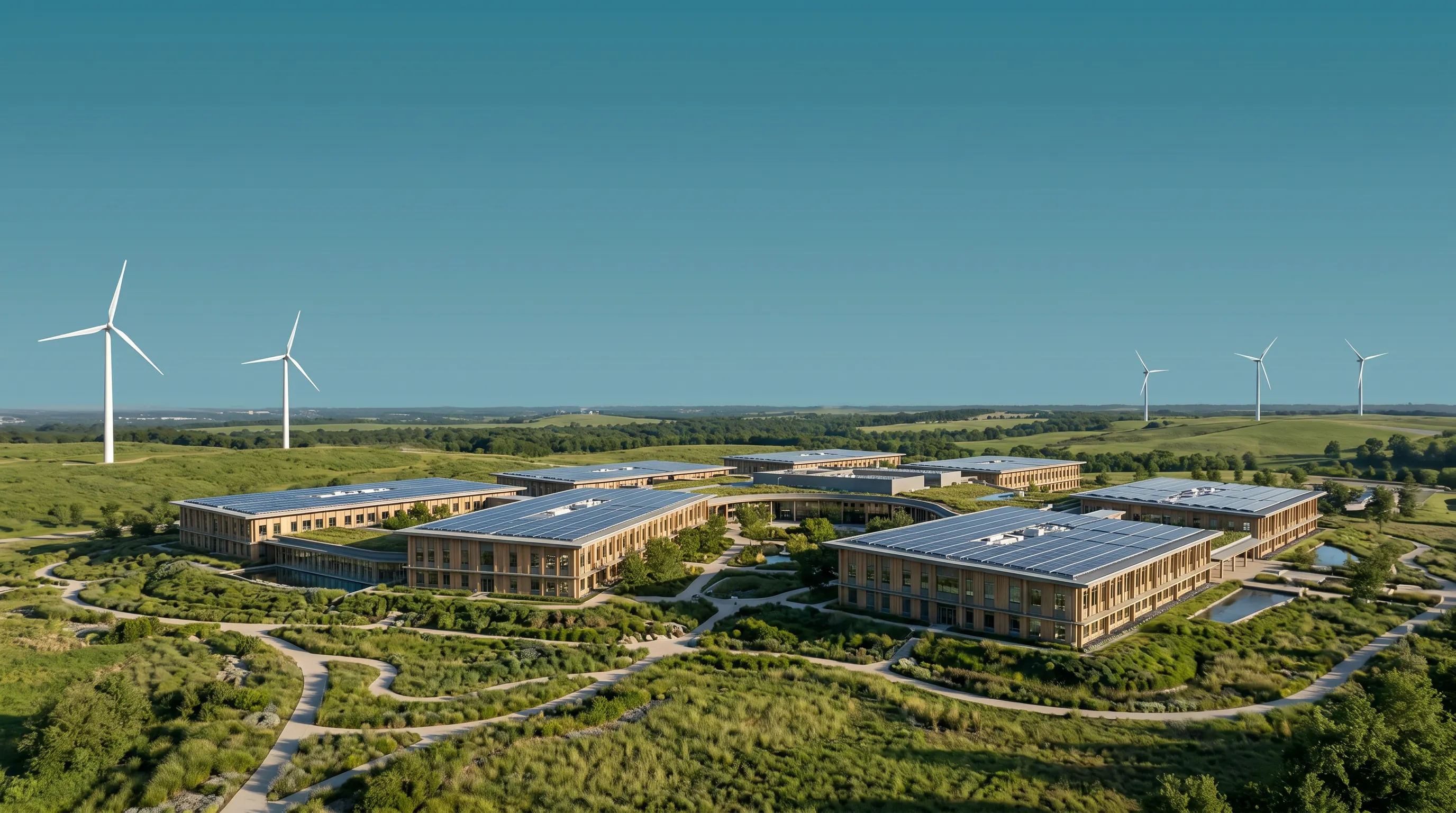
A data center is a building where digital activity becomes physical.
Every email, search, cloud document, streamed video, business system, and artificial intelligence request eventually reaches computers installed somewhere. Those computers need continuous electricity, a way to remove heat, high-capacity network connections, storage, security, and people and control systems that keep everything operating.
The servers matter. But a data center works only when the entire facility works as one system.
The basic process: electricity in, computing work, heat out
At the center of the building are servers: specialized computers mounted in racks. Depending on the workload, they may run websites, store files, process transactions, train artificial intelligence models, or deliver AI inference to users.
Electricity powers the processors, memory, storage, and networking equipment. The computing equipment performs useful work, but almost all of the electrical energy it consumes ultimately appears as heat. That creates the fundamental operating loop:
- Electricity enters the site.
- Power equipment conditions and distributes it.
- Servers process, store, and transmit information.
- Cooling systems collect and reject the resulting heat.
- Controls and operators keep every step within safe limits.
The three embedded MEP Academy videos below follow this loop from the complete facility to electrical distribution and cooling.
Computing: the work inside the racks
A rack is a standardized frame that holds servers, switches, storage devices, and power equipment. Large facilities can contain thousands of racks connected into clusters.
Different workloads change the building requirements. General cloud computing may use a broad mix of servers and storage. Artificial intelligence training often concentrates many GPUs into tightly connected clusters. Those systems can draw much more power per rack and require faster networks and more targeted cooling.
The useful measure is not simply how many servers fit in the building. Operators must understand the electrical demand, heat output, network traffic, storage needs, and failure consequences of the actual workload.
Power: from the grid to the server
Utility electricity usually reaches a data center at medium or high voltage. Substations, transformers, switchgear, and distribution equipment move that power toward the racks at the voltage and configuration the equipment can use.
A simplified path looks like this:
- Utility and substation: deliver electricity to the campus.
- Service switchgear: receives, meters, protects, segments, and isolates incoming power.
- Transformers: step voltage down for building distribution.
- Uninterruptible power supplies: bridge short interruptions and stabilize power while another source takes over.
- Generators or other backup resources: support the facility when utility service is unavailable, subject to the approved operating design.
- Power distribution units and busways: deliver electricity through the data hall.
- Rack power strips: feed individual servers and network equipment.
Redundancy is central because a single failed component should not automatically interrupt the computing service. A facility may use spare components, parallel distribution paths, multiple utility feeds, or designs described as N+1, 2N, or other configurations. Those terms are not guarantees by themselves; reliability depends on the complete design, maintenance, controls, fuel, testing, and operator response.
Power planning also extends beyond the property. The local utility and grid must have generation, transmission, substation, and distribution capacity available when the project needs it. Good Neighbor Data’s grid-impact guide explains how peak demand, phase timing, upgrades, costs, flexibility, and backup systems should be evaluated together.
Cooling: moving heat away from the equipment
Servers cannot operate reliably if heat accumulates around processors and other components. Cooling systems move that heat from the chips and racks to air or liquid loops, then reject it outside the building.
Common approaches include:
Room-based air cooling
Computer room air conditioners or air handlers deliver cool air into the data hall. Servers pull that air through the front of the rack and release warmer air at the back. Hot-aisle and cold-aisle layouts, containment, raised floors, ducts, fans, chillers, and controls manage the airflow and temperature.
Close-coupled air cooling
In-row units or rear-door heat exchangers move cooling closer to the rack. Shortening the path between the heat source and cooling equipment can improve control as rack density increases.
Direct-to-chip liquid cooling
Cold plates contact high-heat components such as CPUs and GPUs. A liquid loop carries heat away to distribution and heat-rejection equipment. This can support denser systems because liquids can transport heat more effectively than air, but the complete design still needs pumps, controls, leak management, water treatment or other fluid management, and a way to reject heat outside.
Immersion cooling
Servers or components are placed in a dielectric fluid that does not conduct electricity. The fluid absorbs heat directly. Immersion can handle high densities but changes equipment design, maintenance, materials, fluid management, and operating procedures.
“Liquid cooled” does not answer the community water question. A facility can use liquid inside a closed loop while rejecting heat through dry coolers, cooling towers, chillers, or hybrid equipment. Direct water use, electricity use, peak-day performance, wastewater, and indirect water associated with electricity supply depend on the full system and local climate. Use the data center water-usage guide to evaluate those tradeoffs.
Networks: moving information in and out
A data center is useful only when information can reach it.
Fiber-optic connections link the facility to users, other data centers, cloud regions, internet exchanges, and private networks. Inside the building, switches and routers direct traffic between servers and storage. AI clusters also require very high-speed internal networks so many accelerators can work on the same model or dataset without waiting on slow connections.
Network resilience may include multiple carriers, physically diverse fiber routes, redundant switches, and separate paths through the campus. The design should consider both ordinary traffic and what happens when a route, device, or provider fails.
Storage: keeping data available
Storage systems preserve the information applications need. Some data stays close to the server for speed. Other data lives in shared storage systems or is replicated to another facility.
Operators balance capacity, performance, durability, backup, security, and recovery time. Redundant hardware helps with equipment failures, but redundancy is not the same as a backup. A backup should provide a separate recoverable copy, protected from the failure or error that affected the primary system.
Controls, security, and people
Building-management and electrical-monitoring systems track temperature, humidity, pressure, power quality, equipment status, alarms, and energy use. Software monitors the computing equipment and network. Physical security controls access to the site and data halls.
People remain essential. Operators inspect and maintain equipment, respond to alarms, test backup systems, manage fuel and spare parts, coordinate utility events, secure the facility, and execute emergency procedures. Automated systems can detect and react quickly, but trained staff determine whether the entire operating plan works in practice.
Reliability is designed across the whole chain
A data center is not reliable because it has generators, batteries, or duplicate equipment. It is reliable when power, cooling, networking, controls, fuel, maintenance, staffing, and emergency procedures continue to work together during failures and maintenance.
Every added backup path also adds equipment, construction, testing, noise sources, fuel needs, embodied materials, and maintenance obligations. The appropriate design depends on the service being protected and the consequences of interruption.
The surrounding site is part of the system
The physical footprint extends beyond the data hall. Roads, substations, transmission lines, generators, fuel systems, cooling equipment, water and wastewater connections, stormwater facilities, security, lighting, offices, and landscape buffers all support operation.
That is why communities should review the maximum planned buildout—not only the first building or first energized phase. The planning checklist organizes the evidence local leaders should request for land, power, water, sound, air, traffic, emergency response, finance, reporting, and closure.
What a credible project explanation should include
A project should be able to show:
- The computing workload and expected rack densities.
- Average, peak, and phased electrical demand.
- Utility service, substations, on-site distribution, and backup-power roles.
- Cooling and heat-rejection systems under normal and peak conditions.
- Direct and indirect water use, wastewater, and maintenance requirements.
- Network routes and operational dependencies.
- Noise sources during normal operation, testing, and emergencies.
- Commissioning, metering, maintenance, staffing, and public reporting.
- The party responsible for each commitment throughout the project life.
A data center is a connected infrastructure system. The best review follows the same path as the electrons and heat: from the utility and site, through the equipment, into operations, and back to the community impacts that must be measured after opening.
Video sources
The embedded explainers are published by MEP Academy: facility overview, power flow, and cooling methods. They are included for education and attribution. Project design and impacts vary by facility, location, workload, climate, utility system, and operating plan.

